

At Great Dental Websites, we build features based on what our clients actually need. Lately, a few key requests and emerging trends have stood out: improved discoverability in AI-powered search, better visibility for call-to-action buttons, smoother multi-location navigation on mobile devices, and improvements to our contact form for better ADA/accessibility performance.
AI-Friendly Indexing with llms.txt
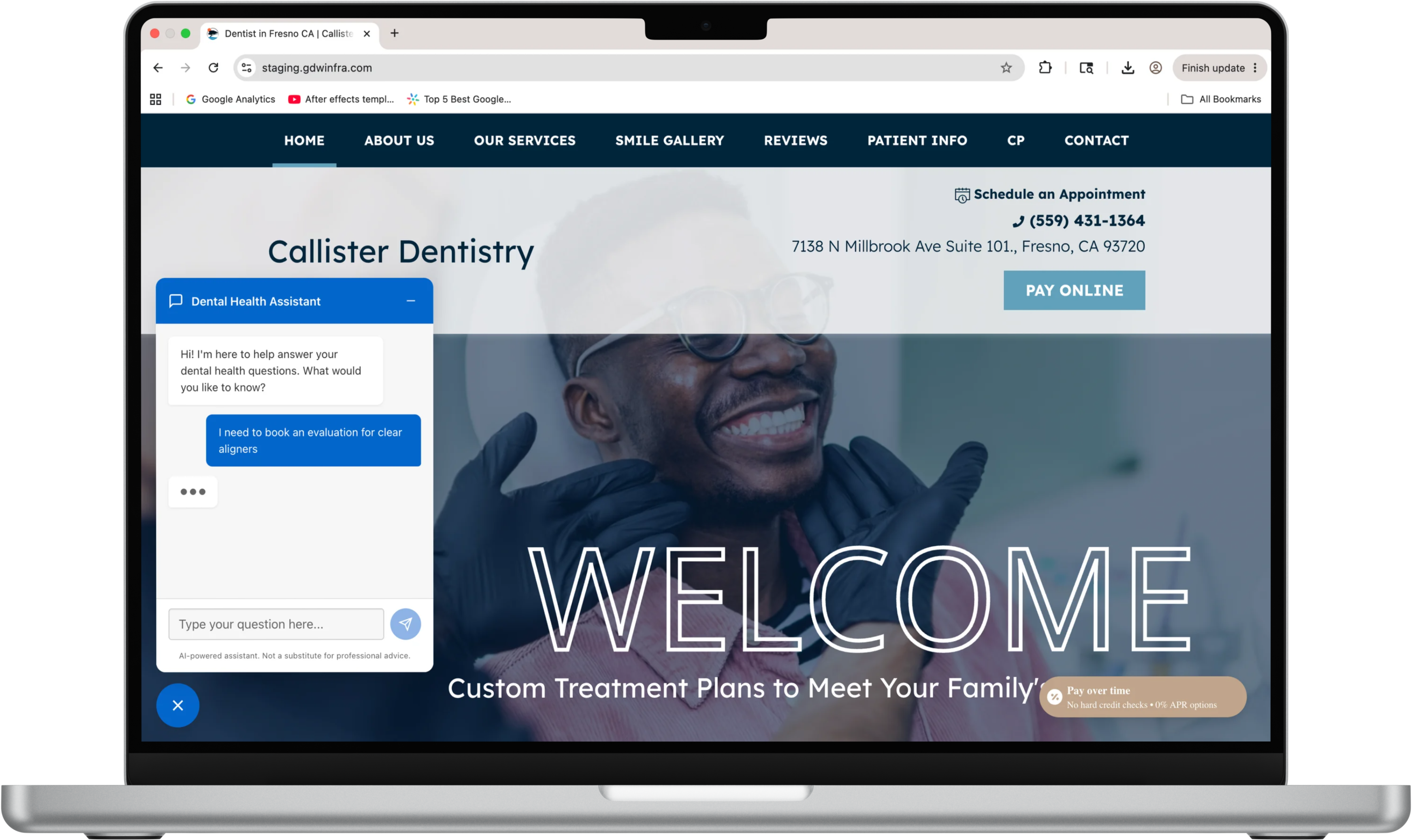
Large language models (LLMs) are already reshaping how we search with LLMs like Claude and ChatGPT. We want the sites built on our platform to be ready for that shift.
That’s why we have introduced support for llms.txt—a simple, standardized file that helps AI systems understand and responsibly access your website’s content. Much like how the recently-added robots.txt guides traditional search engine crawlers, llms.txt provides clear signals to LLMs about what they can use, helping ensure your content is accurately represented in AI-generated answers.
By making your site more legible to these systems, you create clearer pathways for how your content may be interpreted and referenced in conversational search experiences, summaries, and recommendations. It’s an easy, forward-looking way to extend your SEO strategy beyond keywords and rankings into the emerging world of AI-driven discovery.
As more patients turn to AI to find healthcare providers and answers, this enhancement helps ensure your site is:
- Easier for AI systems to interpret
- Better positioned to appear in AI-generated responses
- Future-ready as search continues to evolve
While traditional SEO remains critical, this is an important step toward AI-driven visibility.
Sticky Call and Appointment Buttons
You asked, and we listened.
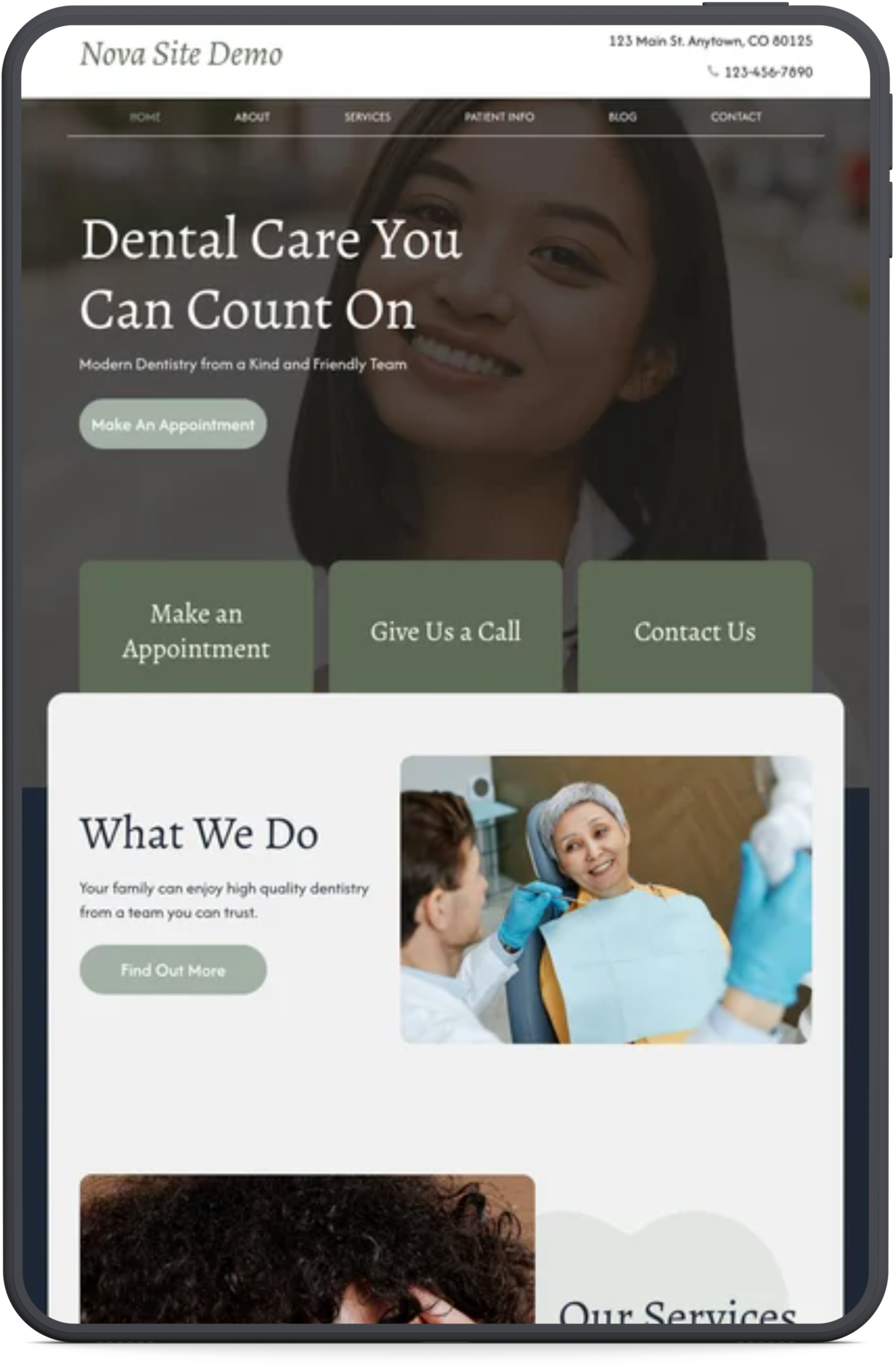
We’ve introduced new Sticky Call Button and Sticky “Make an Appointment” Button options that follow users as they scroll through your site. That means your most important conversion actions are always within reach. No more hunting for contact info or scrolling back to the top.-May-18-2026-09-55-20-5400-PM.png?width=880&height=530&name=Untitled%20design%20(4)-May-18-2026-09-55-20-5400-PM.png)
You can enable these features directly in your site settings:
- Simply search for “Sticky”
- Enable Sticky Call Button, Sticky Make an Appointment Button, or both
This gives you flexibility depending on how you want patients to engage.
A quick note on design:
If your current theme displays your phone number or appointment link as plain text (without a button-style background), it will retain that same styling when it becomes sticky. This ensures visual consistency across your site.
Multi-Location Mobile Navigation Updates
Managing multiple locations just got easier for your patients. We’ve enhanced your patient’s mobile experience with dropdown selection menus, allowing users to quickly choose a location when tapping “Call” or “Get Directions.”
With this update:
- Users can choose their preferred location instantly
- Call or get directions directly from the dropdown
- No extra clicks
This small change makes a big difference, especially for busy patients searching on the go.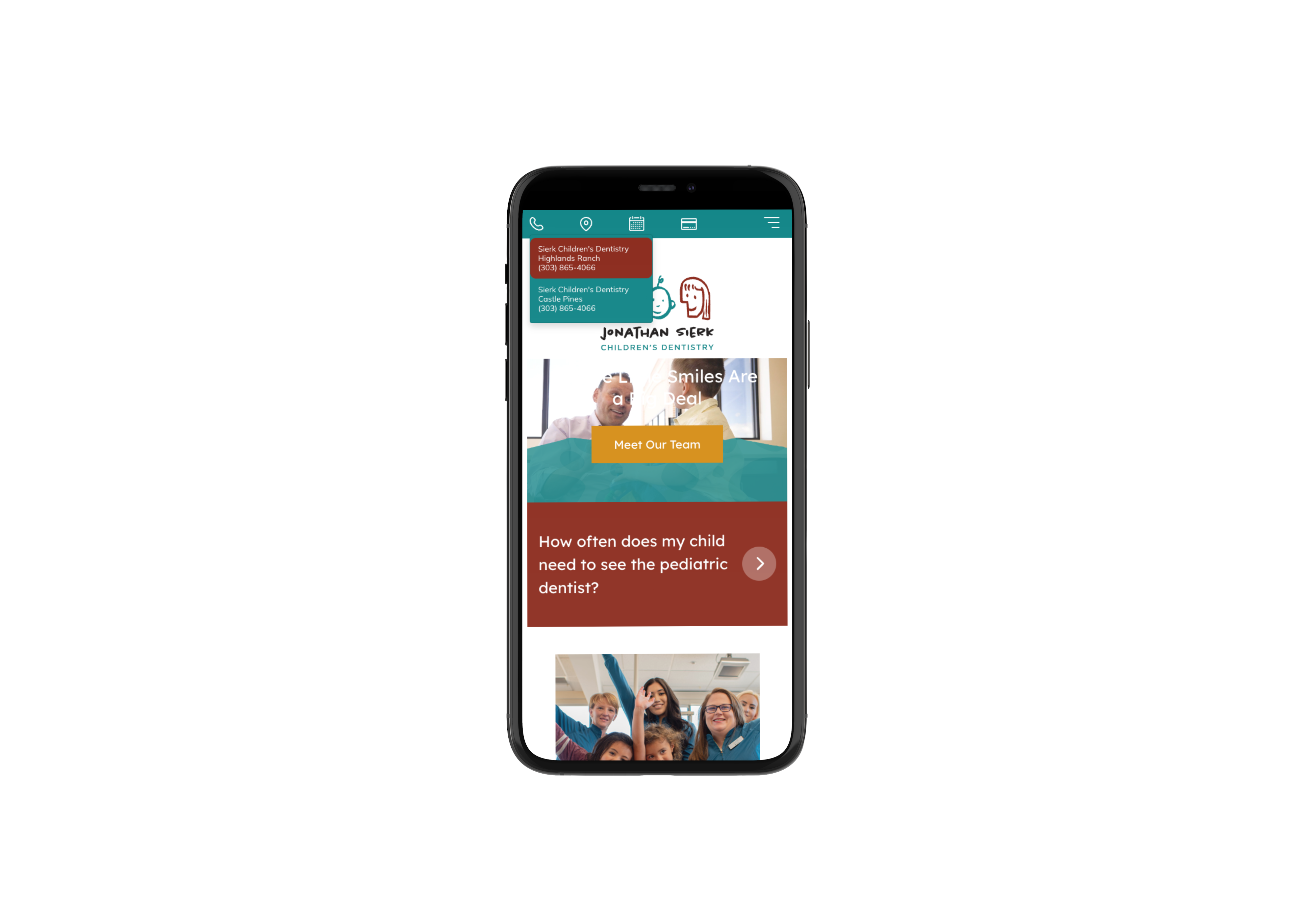
Improved Contact Form Accessibility
We’ve also made important improvements to our website's contact forms to provide a more accessible, user-friendly experience for all visitors.
These updates focus on improving usability for patients navigating your site with assistive technologies or keyboard navigation, while also enhancing overall form clarity and responsiveness across devices.
Enhancements include:
- Improved form labeling and structure
- Better keyboard navigation support
- Clearer field focus and interaction states
Accessibility best practices continue to evolve, and we are committed to ongoing improvements that help create a more inclusive experience for website visitors.
Why This Matters
All four updates are designed with one goal in mind: helping more patients find you and take action.
- AI-friendly indexing helps your site stay competitive in modern search
- Sticky buttons keep key actions visible at all times
- Improved mobile navigation reduces friction and saves time
- Enhanced form accessibility supports a better experience for all users
Together, they help turn more website visitors into actual appointments, no matter how patients search.
If you’d like help enabling these features or optimizing your site for even better performance, our support team is here to help.
-May-18-2026-09-55-20-5400-PM.png "Four New Features to Boost AI Visibility, Increase Conversions, and Improve Mobile Experience")